Keep your NVR for recording.
Upgrade motion and AI without a rip-and-replace.
Many sites already run a recorder for storage — a third-party NVR such as Blue Iris, or our own VizRec app — while bundled motion logic rarely improves. VizMux takes responsibility for modern motion and a detection-oriented API that can evolve. PiyoAI adds object-level detection, can trigger recording on the NVR when you configure MQTT, and reaches Home Assistant for building-wide automations.
PiyoAI’s object-detection stack (models and libraries) keeps advancing through our releases — not trapped inside aging NVR firmware.
Upgrade the brains, not the whole rack
Decoupling is the point: the NVR keeps doing storage, VizMux owns motion intelligence, PiyoAI owns semantic detection and automation hooks. You replace or refresh layers over time instead of junking a monolithic system the day one part goes stale.
How the pieces connect*
Network-style view: each tile is a real app (or your cameras). Curves show typical data and control paths when configured. Home Assistant can be reached from PiyoAI (MQTT / add-ons) and optionally from CloudLink for remote access flows.
Graph: NVR examples VizRec and Blue Iris shown as an overlapping pair at top center; diagram edges treat them as one recorder role (single gray and amber paths, not duplicated per app). IP cameras upper-left feed the NVR cluster and VizMux; VizMux lower-left feeds PiyoAI; PiyoAI publishes MQTT to Home Assistant and MQTT recording triggers toward the NVR; eVaultex connects over HTTP to VizMux and PiyoAI; CloudLink can provide remote pathing to eVaultex and Home Assistant.
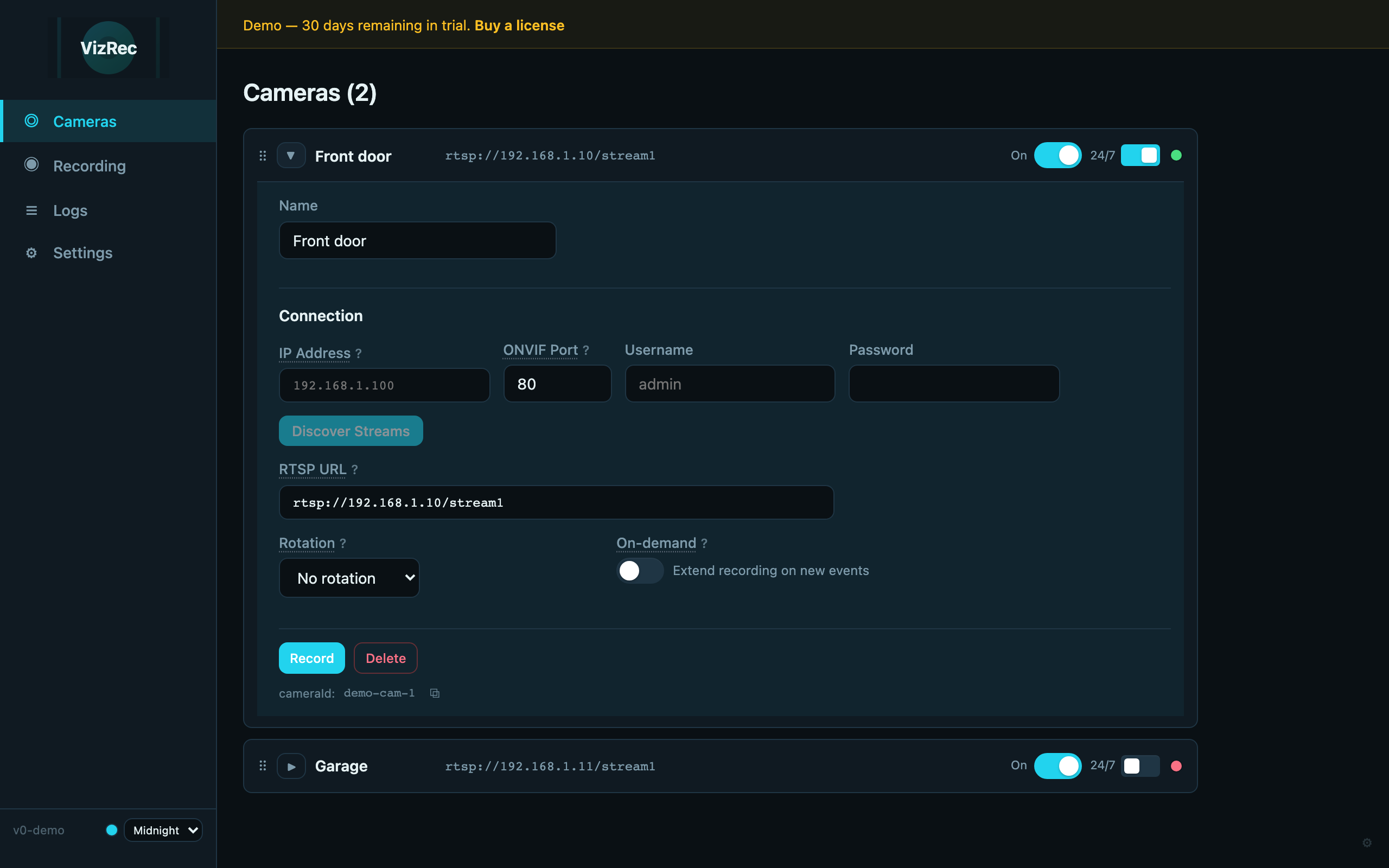
VizRec
NVR example

Blue Iris
NVR example
IP cameras
RTSP in
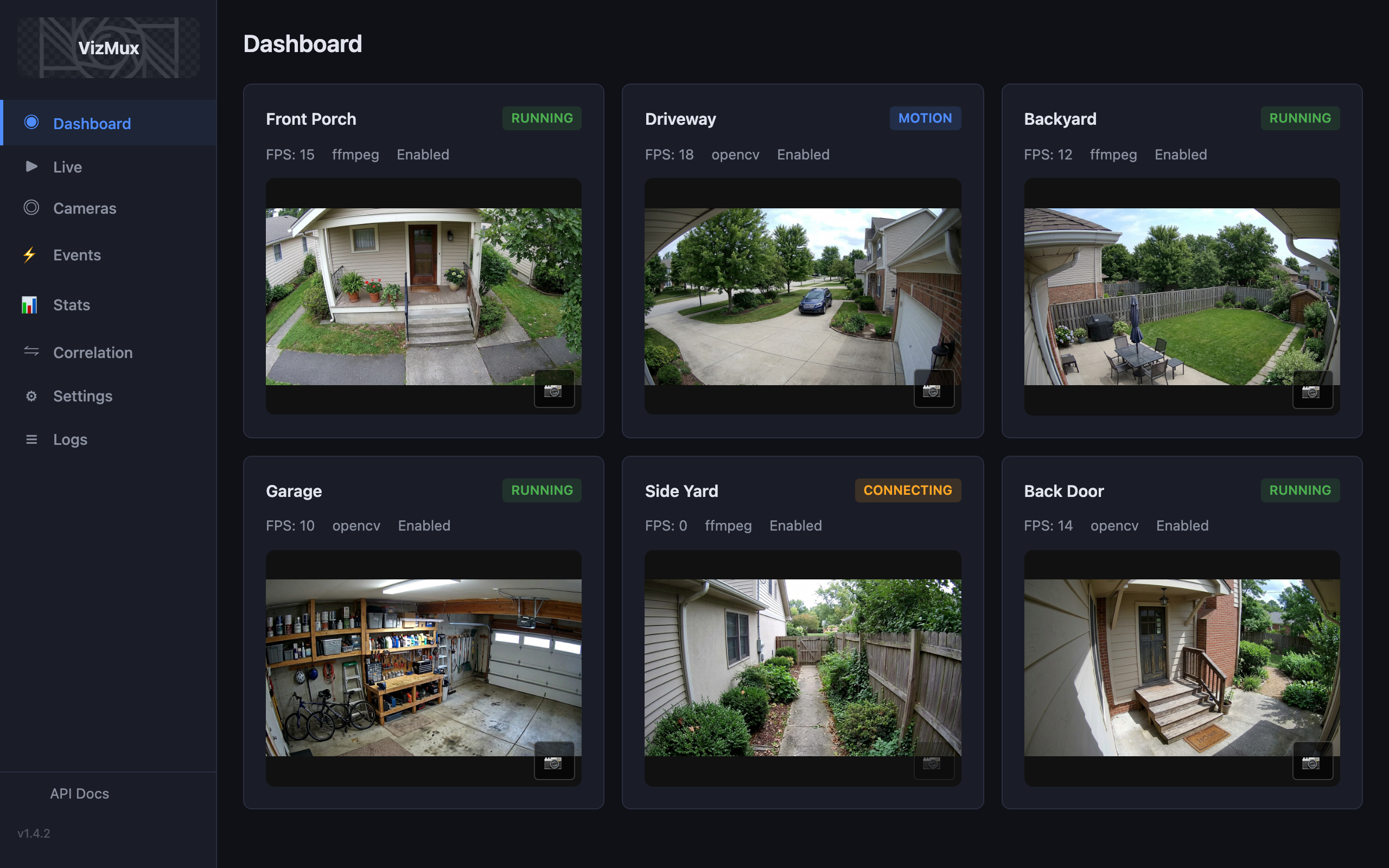
VizMux
Motion
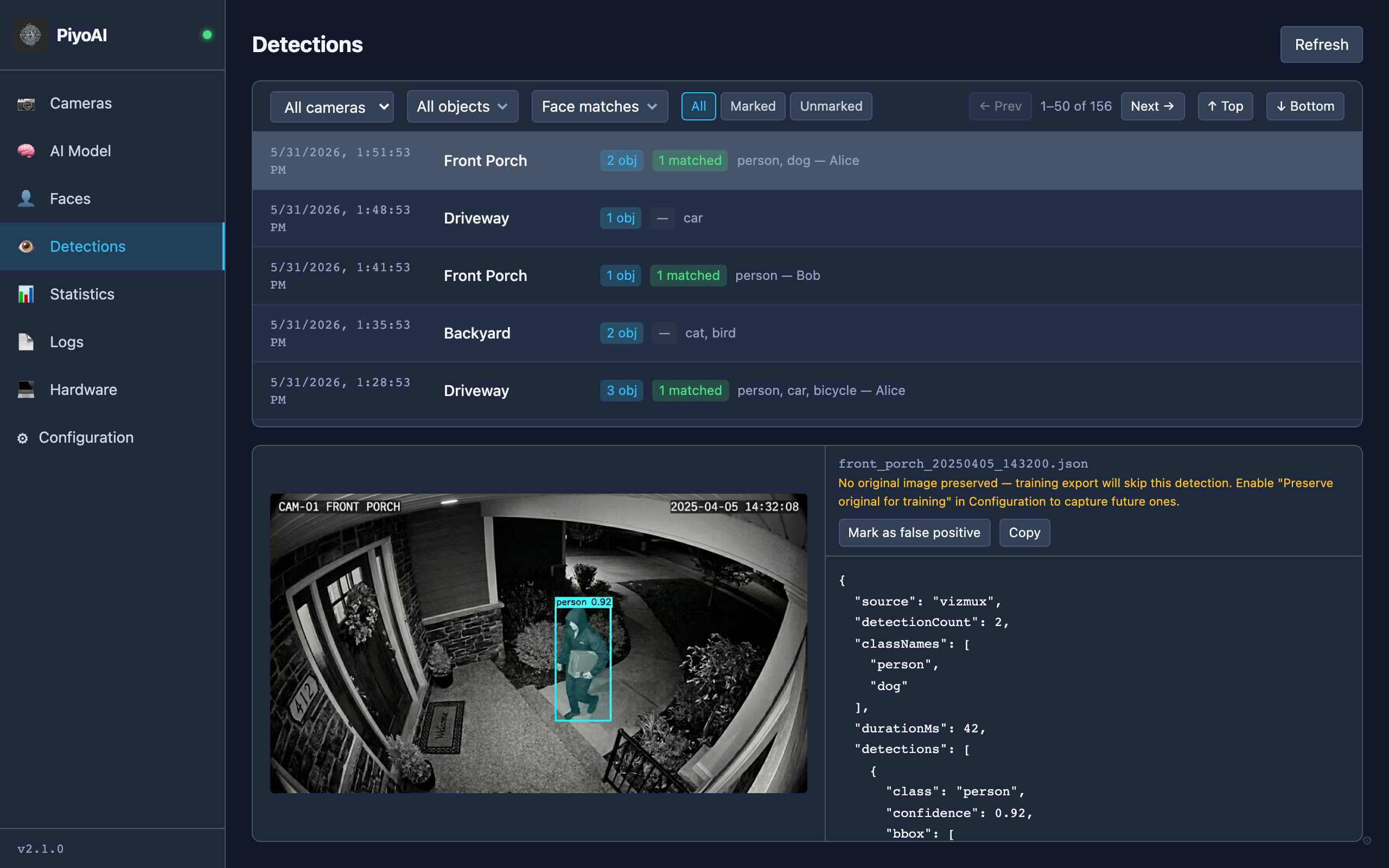
PiyoAI
Hub · MQTT
Home Assistant
Automations
eVaultex
Optional portal
CloudLink
Remote access
Third-party marks: Home Assistant icon from brands.home-assistant.io (Open Home Foundation). Blue Iris mark derived from the blueirissoftware.com favicon. All trademarks belong to their respective owners.
Your NVR keeps recording; VizMux and PiyoAI add motion and object intelligence that keep improving — so you evolve the stack instead of replacing the whole system.
* Integration details (MQTT topics, NVR behavior, and apps such as Blue Iris, VizRec, or Home Assistant) are described as accurately as possible as of the date this page was written (2025). Vendor updates, firmware, and local configuration can change behavior; verify against your own environment. VizMux typically feeds PiyoAI via folder watcher, MQTT snapshots, or other paths you configure; pick the wiring that matches your network.
Why this setup works in real deployments
Here is the operational value, step by step.
- Keep the recorder you already trust — your NVR can stay on duty for 24/7 or on-demand clips. You are not throwing away storage and schedules that already work.
- Motion that can actually get better over time — VizMux watches the cameras and hands crisp snapshots to the next step, with updates when we ship them.
- Alerts that mean something — PiyoAI spots people, packages, or whatever you care about, can nudge the NVR to roll when you want that, and keeps its detection models current through normal app updates.
- Access control, lighting, and workflows — not just a camera app — when you use Home Assistant, PiyoAI can feed the same events into facility automations, alert channels, and response workflows without extra wiring from the NVR.
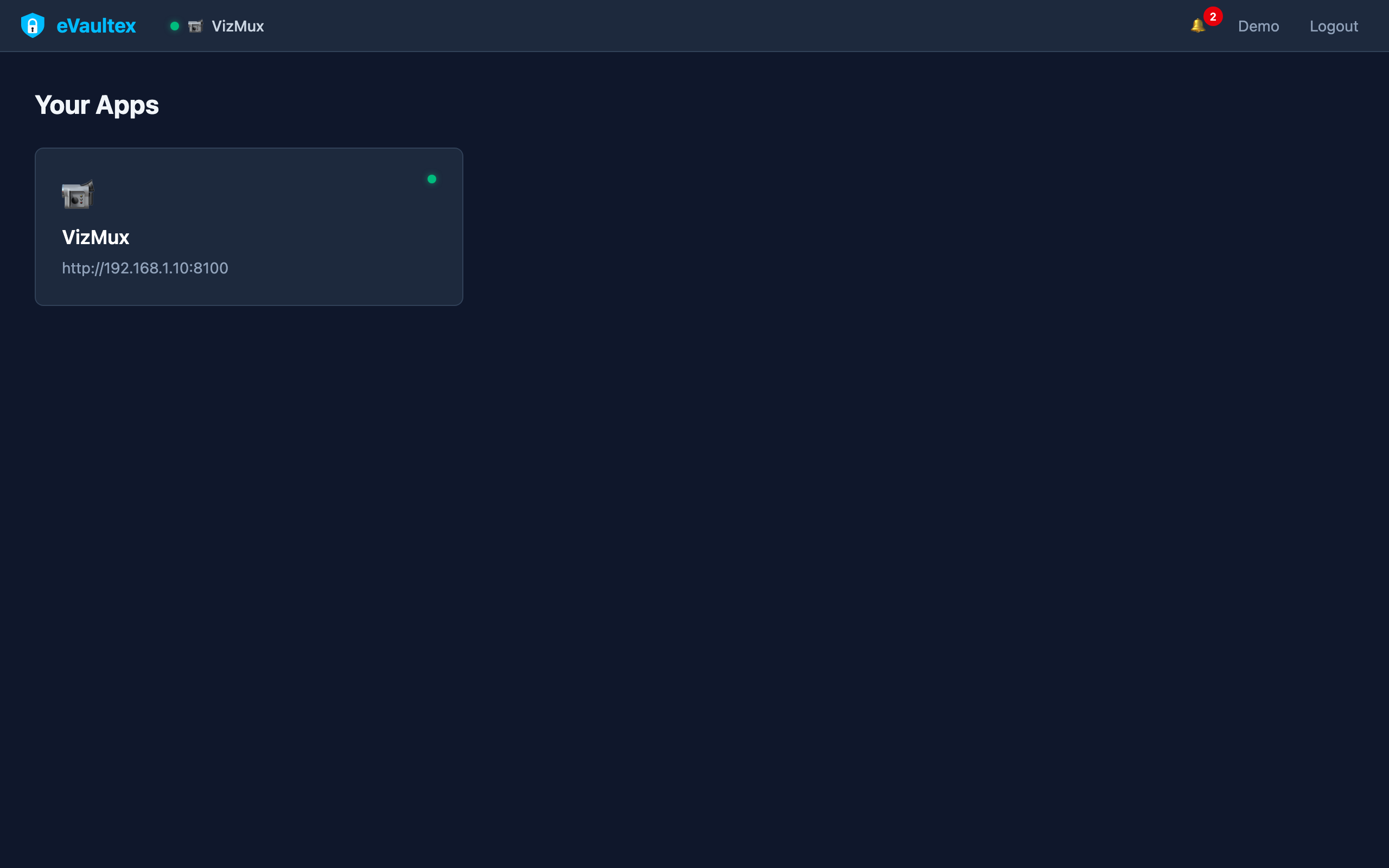
- Refresh one layer at a time — if motion or AI needs improvement, you upgrade that software first instead of replacing the whole stack. Optional eVaultex gives operators and clients one URL to open VizMux and PiyoAI.
Who does what
| Component | Role in this story |
|---|---|
| NVR (e.g. Blue Iris, VizRec) | Durable recording and RTSP ingest; third-party NVRs may support MQTT-driven recording, while VizRec pairs with VizMux for segments, triggers, and PiyoAI-aligned clips. Legacy NVR motion can stay unused if you prefer. |
| VizMux | Camera ingest, motion, masks, snapshots — feeds PiyoAI for AI passes. |
| PiyoAI | YOLO detection, rules, MQTT/Telegram; can command or signal the NVR to record; publishes for Home Assistant. |
| Home Assistant | Subscribes or integrates via MQTT (or add-ons such as HAPiyoAI) for automations and dashboards. |
| eVaultex | Optional single sign-on front door to VizMux, PiyoAI, and other web UIs on your LAN. |
| CloudLink | Remote access path to your webserver away from home, typically used to reach eVaultex from outside the local network. |