eVaultex
One place to open, protect, and manage VizMux, PiyoAI, and your other apps — self-hosted on your network, with remote access via CloudLink when you are away from home.
Sign in once, optionally password-gate access to each app, and consolidate everything behind a single host. Subscribe to PiyoAI MQTT events and see them as in-app notifications alongside your dashboards.
*Starting price when available. See full pricing & tiers.
**Demo uses mock data and embedded app previews.
Install on different machines — eVaultex is the front door
PiyoAI, VizMux, and eVaultex do not have to live on the same box. Run each app where it makes sense on your network, then point eVaultex at their URLs. Your operations team still uses eVaultex as the main point of entry: one bookmark, one sign-in, and the dashboard opens every tool from there.
Evalex ecosystem diagram — NVR, VizMux, PiyoAI, Home Assistant, and eVaultex.
CloudLink for remote-away-from-home access (coming soon)
CloudLink is an upcoming add-on for reaching your eVaultex portal when you are away from your local network. We will publish full setup docs and onboarding flow details on the CloudLink page.
Security and control in one portal
Give your organization a single entry point for Evalex apps — with admin tools when you need them.
Single host for all apps
Open VizMux, PiyoAI, and other configured backends from one dashboard — fewer bookmarks, one place to manage access.
Password-protected access
Require sign-in for the portal and control who reaches each embedded app — a simple layer of protection for your LAN.
Admin: users, apps, logs
Manage accounts, wire each app to its backend URL, reorder tiles, and review activity — all from the built-in admin area.
PiyoAI event notifications
Subscribe to MQTT topics from PiyoAI (and other sources you configure) and surface messages as notifications in the portal header.
Embedded VizMux & PiyoAI
First-class tiles for the Evalex camera stack — launch full UIs in-place when you want deep configuration without leaving eVaultex.
Local data, your machine
Runs as a local web service with SQLite under data/. Your users and settings stay on hardware you control.
See it in action
A focused dark UI for daily use, with admin screens when you need to change wiring or permissions.
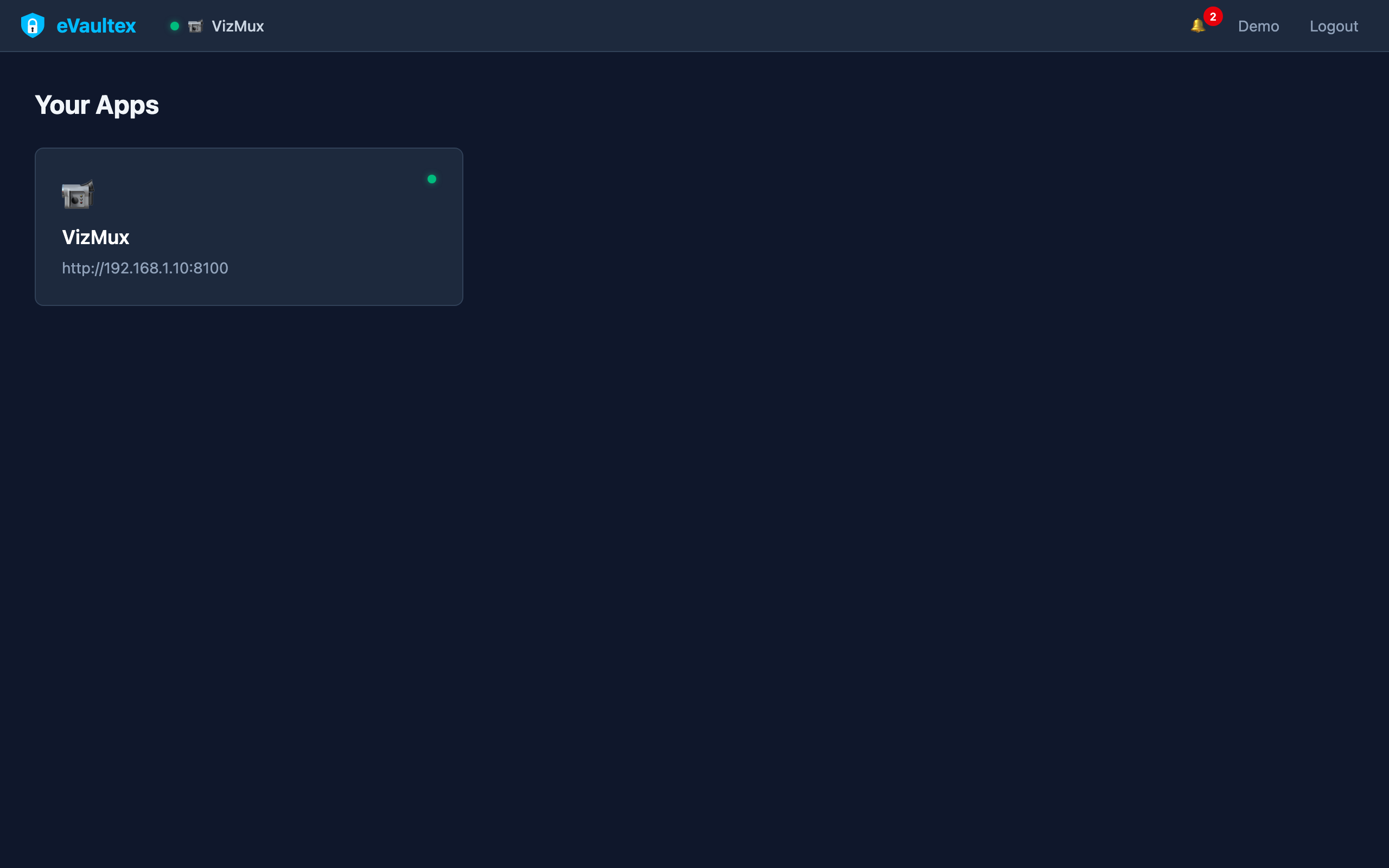
One grid for every app
Jump between tiles or expand an embedded app to full width. Drag to reorder so the tools you use most are always on top.
- Quick access to VizMux and PiyoAI from the top bar
- Consistent sign-in for the whole portal
Cameras and motion, inside the portal
Point eVaultex at your VizMux instance and use it alongside PiyoAI without juggling ports and hostnames for every family member.
- Preview or full embed depending on how you configure the app
- Same stack you already run — eVaultex is the front door
Detections next to everything else
Keep YOLO configuration and history a click away. Pair with MQTT-driven notifications so important events surface even when you are not inside PiyoAI.
- Optional download-token flow for embedded editions (admin configurable)
- Works with the same PiyoAI + VizMux pairing you use today
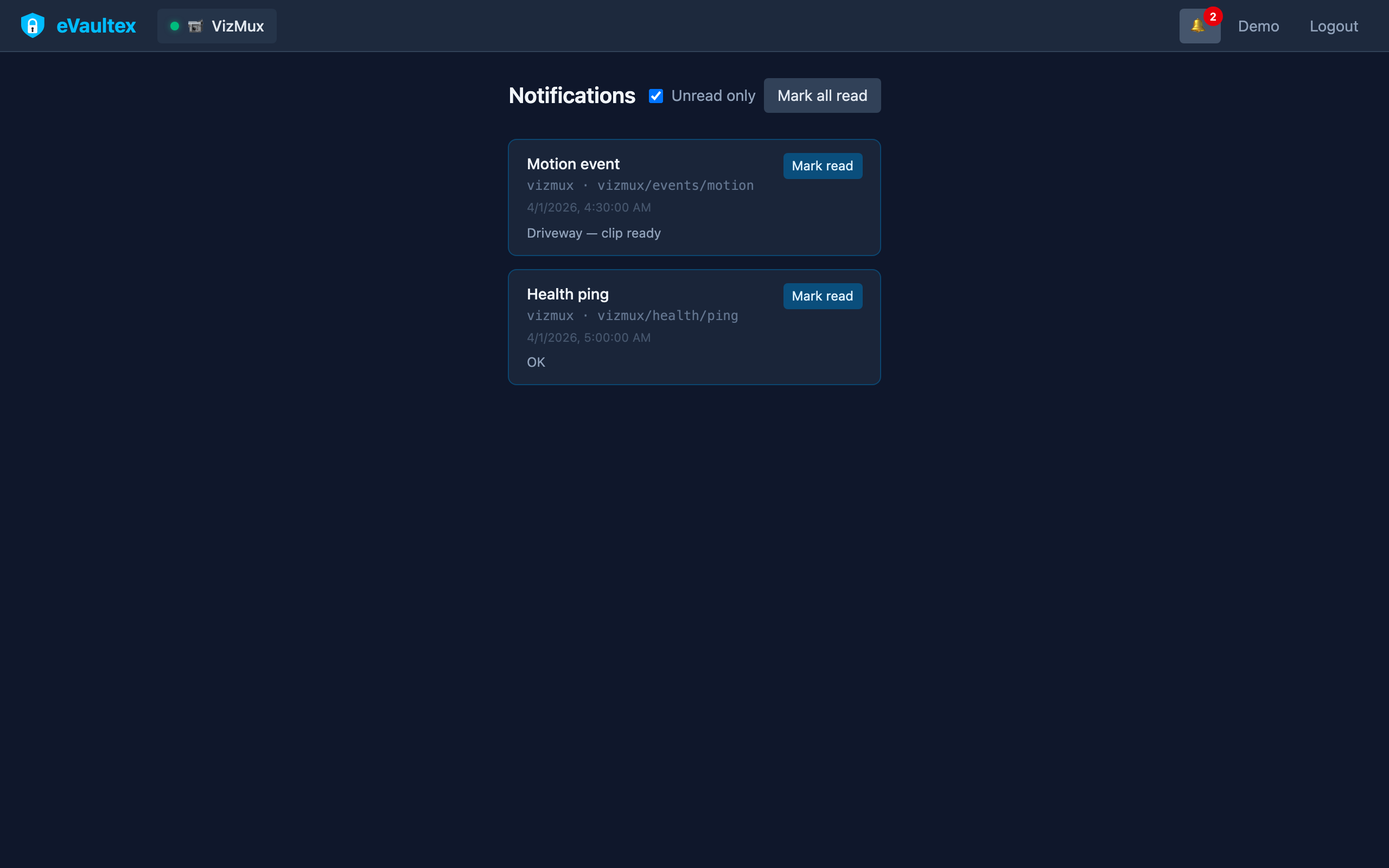
MQTT events in the header
Subscribe to topics your PiyoAI deployment publishes (and other brokers you trust). New payloads show up as dismissible notifications so operators see alerts in one place.
- Per-app topic lists configured in admin
- Bell menu for history at a glance
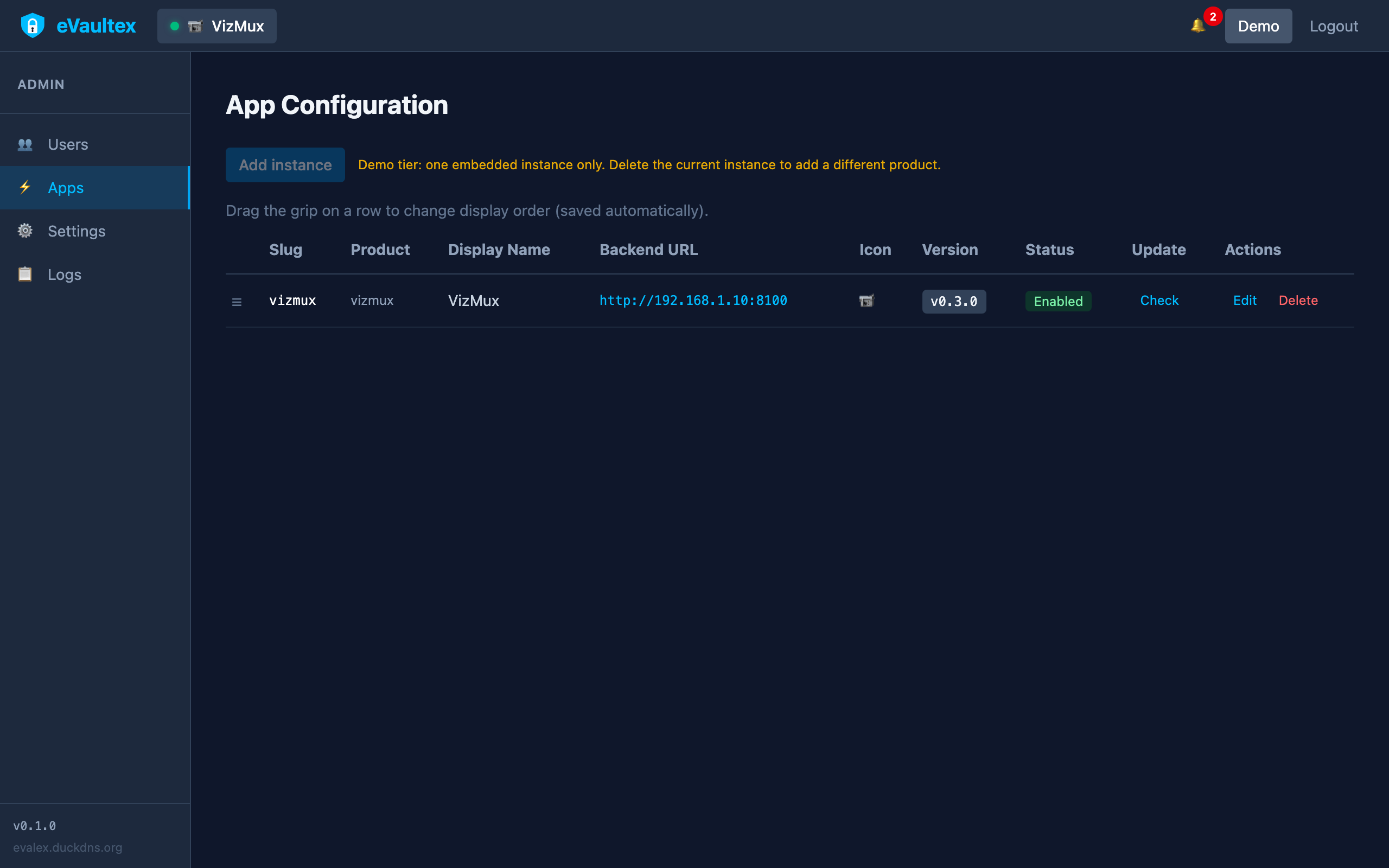
Wire backends and permissions
Define display names, icons, backend URLs, MQTT subscriptions, and sort order. Enable or disable tiles per environment without redeploying the whole stack.
- Users, apps, settings, and logs in one admin shell
- Change the default admin password from Profile after first login
How it works
Install once on an always-on server or VM, then onboard your team to a single URL.
1. Unzip & run
Windows setup script or macOS/Linux serve.sh starts the portal on your LAN.
2. Sign in once
Create users, set passwords, and decide which apps each account can open.
3. Open every app
Dashboard tiles deep-link into VizMux, PiyoAI, and any other backends you register.
4. Stay informed
MQTT subscriptions turn PiyoAI (and other) events into notifications without opening each app.
Ready to consolidate your stack?
Try the interactive demo, then grab builds from the download page when you are ready. VizMux + PiyoAI combo pricing is on the buy page.